Features
Live output of the real render engine — edit the settings and it updates instantly.
Integration orbit
designed motion cards
Your mark at the centre, links drawing out to a ring of partner nodes.
Best for: Works with your stack.
Settings
Font
Theme
Size
Mood
Shapes it passed the frame check in
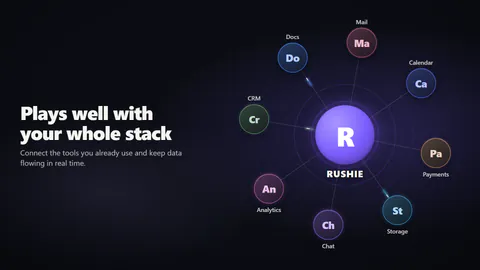
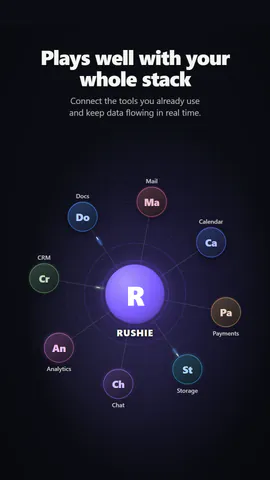
1:1
What you write
nameYour product: its initial is the central mark, its name sits under it (≤16)· requiredheadlineHeadline (≤48)· requireditemsThree to ten partner names around the hub (≤14)· requiredsubtitleLine under the headline, or empty to hide (≤80)layoutPartners on one turning ring, or scattered at different distances with curved linksnodesPartner marks as circles or rounded tiles
A code template: free on every plan, no AI credits.
Use it in a film
What you can change:
rushie.props.namerushie.props.headlinerushie.props.itemsrushie.props (others)For developers (MCP and JSON)
This is the exact scene to send to create_animation (MCP): keep the shape, change the words, and write the narration — the voice sets how long the scene lasts. Paste it into update_storyboard with set_data to change a film you already made.
{
  "visual": "rushie",
  "heading": "Integration hub",
  "narration": "Write the sentence the voice says over this scene; its length is the scene's.",
  "data": {
    "rushie": {
      "template": "integration-hub",
      "props": {
        "name": "PageToVid",
        "headline": "Works with the tools you already use",
        "subtitle": "Connect the tools you already use and keep data flowing in real time.",
        "items": [
          "Slack",
          "Notion",
          "Zapier",
          "Webflow",
          "Figma",
          "GitHub"
        ],
        "layout": "orbit",
        "nodes": "circle"
      }
    }
  }
}