Features
Live output of the real render engine — edit the settings and it updates instantly.
Image generation grid
designed motion cards
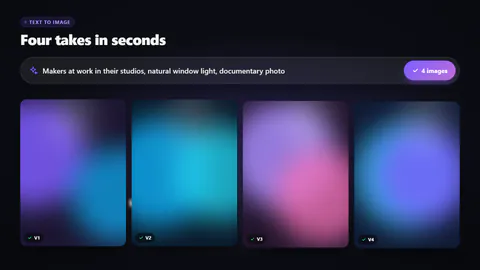
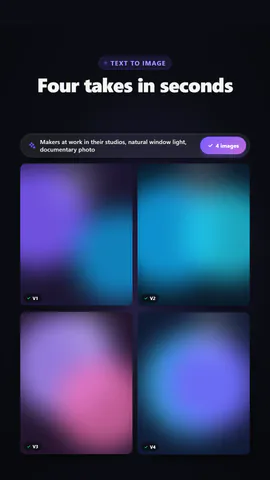
A prompt is typed and a grid of tiles resolves from coloured noise into your pictures with step counters ticking (or renders top to bottom behind a scan line), then a cursor picks one and it grows to fill the frame, upscaled.
Best for: Text-to-image tools, AI art and creative AI launches.
Settings
Font
Theme
Size
Mood
Shapes it passed the frame check in
1:1
What you write
headlineHeadline above the grid (≤44)· requiredpromptThe prompt in the bar above the grid (≤90)· requiredstepsDenoising steps counted on each tile (≤80)· requiredkickerSmall line above the headline, or empty to hide (≤28)revealTiles clear out of noise all over, or render top to bottom behind a scan linefinaleA cursor picks one tile and it grows to fill the grid, or the whole grid stayspickWhich tile gets picked (pick finale) (≤9)
Pictures (images) are filled from the scene's own picture, else a brand gradient.
A code template: free on every plan, no AI credits.
Use it in a film
What you can change:
rushie.props.headlinerushie.props.promptrushie.props.stepsrushie.props (others)For developers (MCP and JSON)
This is the exact scene to send to create_animation (MCP): keep the shape, change the words, and write the narration — the voice sets how long the scene lasts. Paste it into update_storyboard with set_data to change a film you already made.
{
  "visual": "rushie",
  "heading": "Image generation grid",
  "narration": "Write the sentence the voice says over this scene; its length is the scene's.",
  "data": {
    "rushie": {
      "template": "image-generation-grid",
      "props": {
        "kicker": "Text to image",
        "headline": "Four takes in seconds",
        "prompt": "Makers at work in their studios, natural window light, documentary photo",
        "images": [
          "https://storage.googleapis.com/pagetovid-media/demo/pagetovid-demo-en-v2.jpg",
          "https://storage.googleapis.com/pagetovid-media/demo/pagetovid-demo-fr-v2.jpg",
          "https://storage.googleapis.com/pagetovid-media/demo/pagetovid-demo-es-v2.jpg",
          "https://storage.googleapis.com/pagetovid-media/demo/pagetovid-demo-de-v2.jpg"
        ],
        "steps": 30,
        "reveal": "diffusion",
        "finale": "pick",
        "pick": 1
      }
    }
  }
}