Cómo funciona
Salida en vivo del motor de render real — edita los ajustes y se actualiza al instante.
Flecha dibujada a mano
tarjetas animadas de diseño
Una flecha dibujada sale de una etiqueta y señala un punto de tu captura.
Ideal para: Señalar una cosa en una página.
Ajustes
Fuente
Tema
Tamaño
Ánimo
Formatos que pasaron el control de imagen
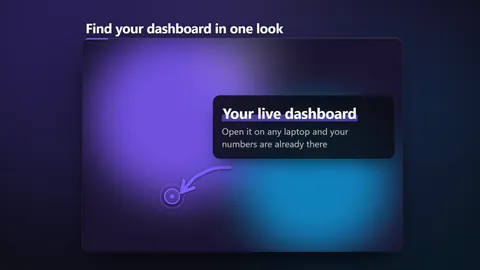
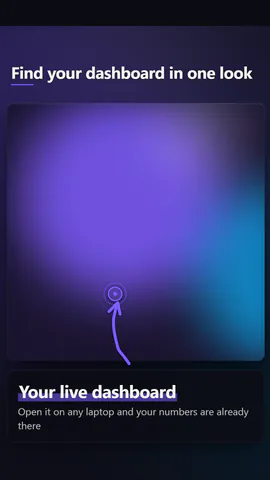
1:1
Lo que escribes
titleHeadline over the shot, or empty to hide (≤56)· obligatoriolabelWhat the arrow points at, in a few words (≤32)· obligatorionoteOne line under the label, or empty to hide (≤72)xWhere the arrow points. Across the picture: 0 is the left edge, 1 the right (≤1)yWhere the arrow points. Down the picture: 0 is the top, 1 the bottom (≤1)penHow the arrow is drawn: a marker stroke, rough chalk or a glowing neon linelayoutA framed card over its own blurred backdrop, or the picture filling the whole frame
Las imágenes (image) salen de la imagen de la escena o, si no hay, de un degradado con tus colores.
Una plantilla en código: gratis en todos los planes, sin créditos de IA.
Úsala en un vídeo
Lo que puedes cambiar:
rushie.props.titlerushie.props.labelrushie.props (others)Para desarrolladores (MCP y JSON)
Esta es la escena exacta para enviar a create_animation (MCP): mantén la estructura, cambia las palabras y escribe la narración — la voz fija cuánto dura la escena. Pégala en update_storyboard con set_data para cambiar un vídeo que ya hiciste.
{
  "visual": "rushie",
  "heading": "Arrow pointer",
  "narration": "Write the sentence the voice says over this scene; its length is the scene's.",
  "data": {
    "rushie": {
      "template": "arrow-pointer",
      "props": {
        "image": "https://storage.googleapis.com/pagetovid-media/demo/pagetovid-demo-en-v2.jpg",
        "title": "Start from any page",
        "label": "Paste your link here",
        "note": "Open it on any laptop and your numbers are already there",
        "x": 0.5,
        "y": 0.4,
        "pen": "marker",
        "layout": "framed"
      }
    }
  }
}