How it works
Live output of the real render engine — edit the settings and it updates instantly.
Problem, struck through
designed motion cards
Pain-point cards jitter on a tangled line and get struck through, then the fix lands.
Best for: The problem-to-solution turn.
Settings
Font
Theme
Size
Mood
Shapes it passed the frame check in
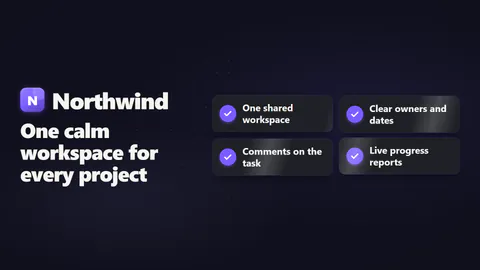
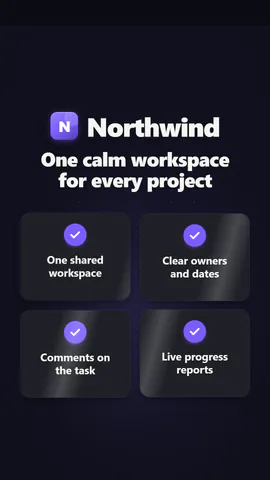
1:1
What you write
problemThe problem, shown first in red (≤60)· requirednameProduct name, revealed with the solution (≤24)· requiredheadlineThe solution line under the product name (≤60)· requireditemsThree to five pain points and what each turns into· requiredkickerLabel over the problem, or empty to hide (≤24)transitionHow the clean side arrives: a circle from the centre or a diagonal sweeplayoutHow the solved points line up: a two-column grid or a single checklist
A code template: free on every plan, no AI credits.
Use it in a film
What you can change:
rushie.props.problemrushie.props.namerushie.props.headlinerushie.props.itemsrushie.props (others)For developers (MCP and JSON)
This is the exact scene to send to create_animation (MCP): keep the shape, change the words, and write the narration — the voice sets how long the scene lasts. Paste it into update_storyboard with set_data to change a film you already made.
{
  "visual": "rushie",
  "heading": "Problem to solution",
  "narration": "Write the sentence the voice says over this scene; its length is the scene's.",
  "data": {
    "rushie": {
      "template": "problem-solution",
      "props": {
        "kicker": "The problem",
        "problem": "Launch videos take weeks",
        "name": "PageToVid",
        "headline": "A finished film from your page",
        "items": [
          {
            "pain": "Hire an agency",
            "fix": "Paste a link"
          },
          {
            "pain": "Write a script",
            "fix": "Script written for you"
          },
          {
            "pain": "Record and edit",
            "fix": "Filmed in a browser"
          }
        ],
        "transition": "ripple",
        "layout": "grid"
      }
    }
  }
}